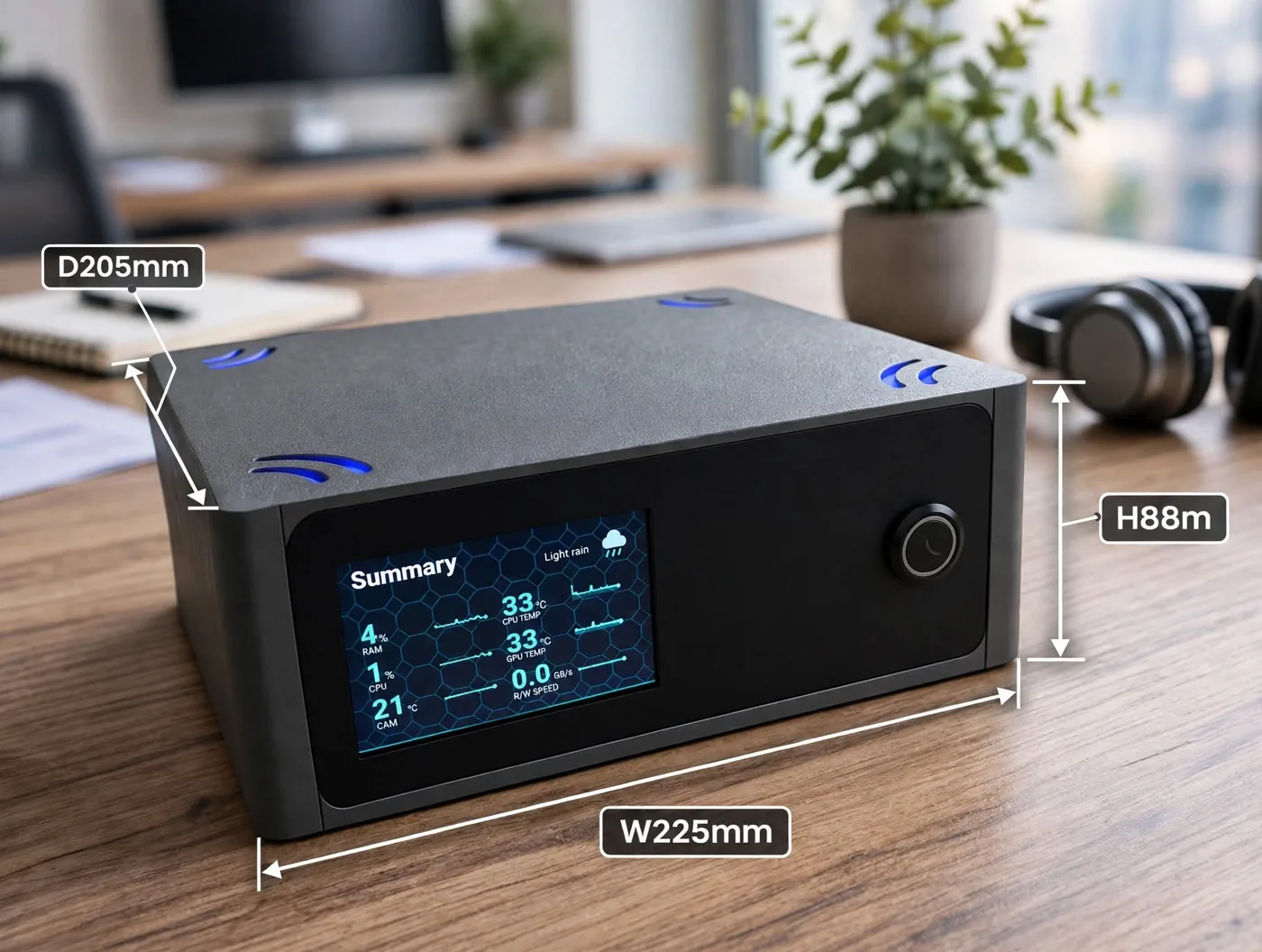
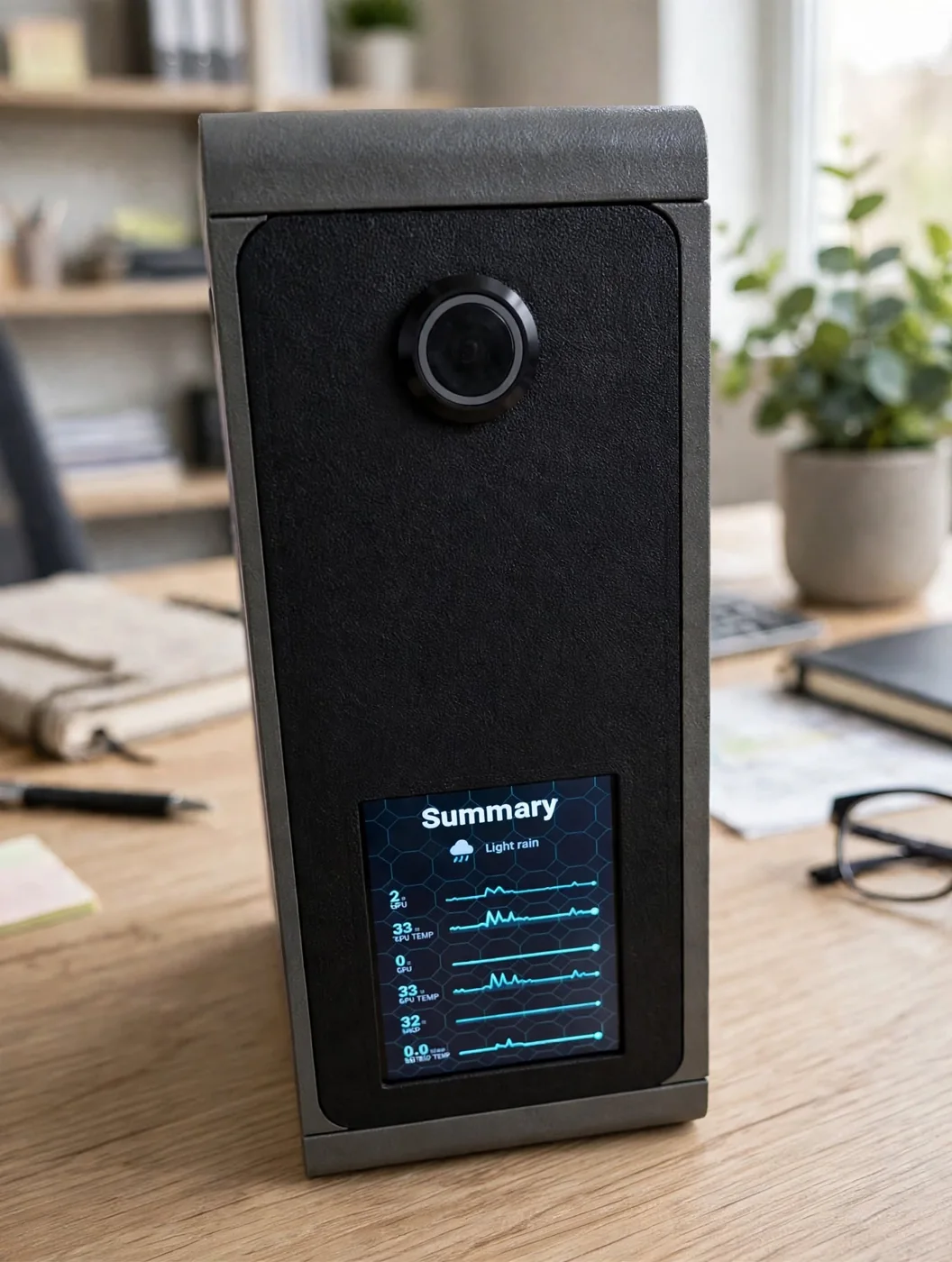
Pages
What the screen can show
PC readings
CPU, graphics card and memory use, CPU temperature, power draw in watts, and storage with disk activity.
Weather and headlines
The weather for your postcode, and headlines from any news feed address you paste in.
Speed test
Download and upload speeds from a test that runs on a schedule you set.
Your own content
Upload a picture or type a custom message of up to 80 characters, each shown as its own page.
Settings page
Choose the pages, rotation speed, brightness, colours and screen position from a settings page in your browser.
Starts with Windows
Optionally starts automatically, with a tray icon for pause, stop and settings.
Examples
See the pages on screen
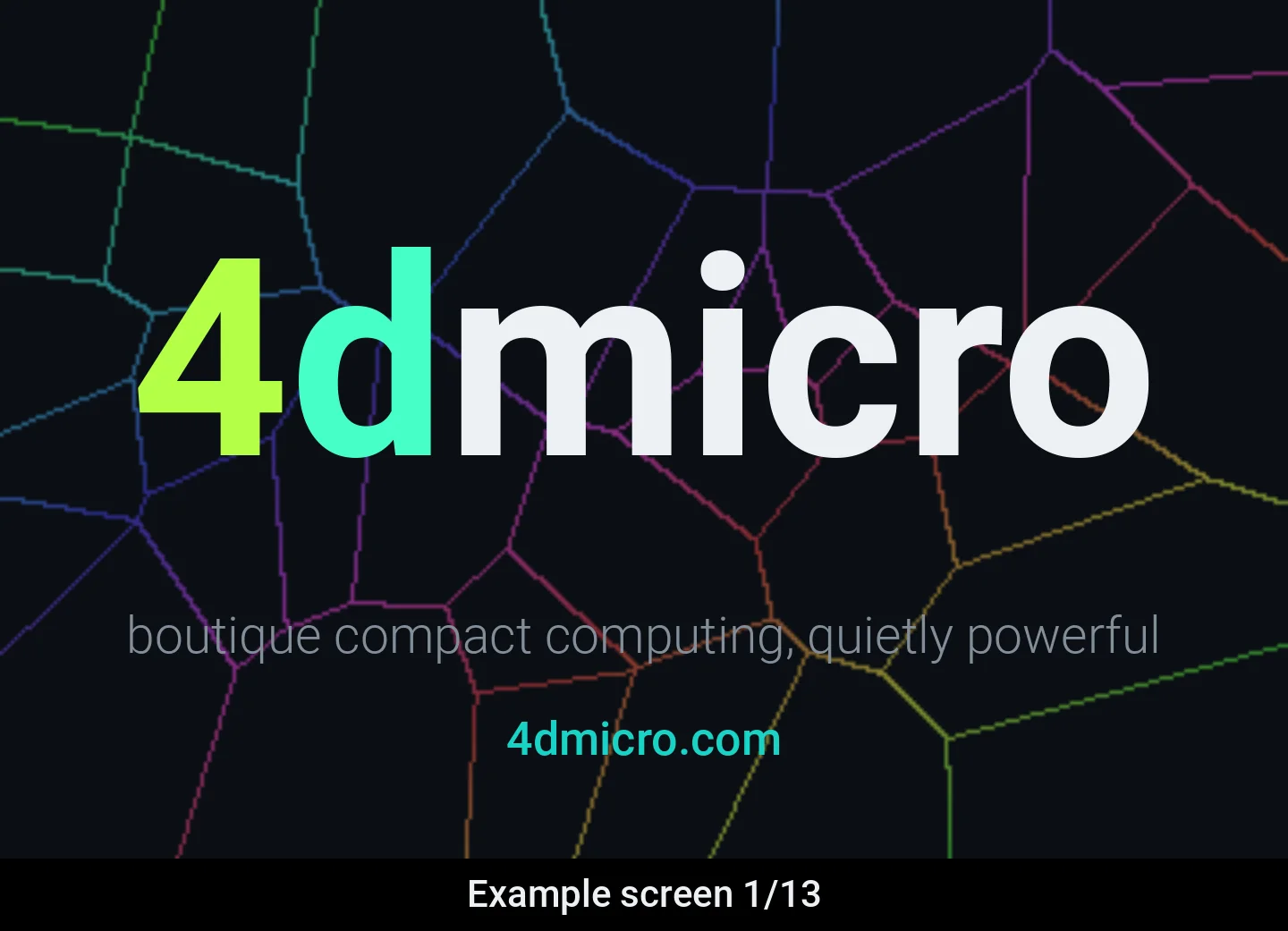
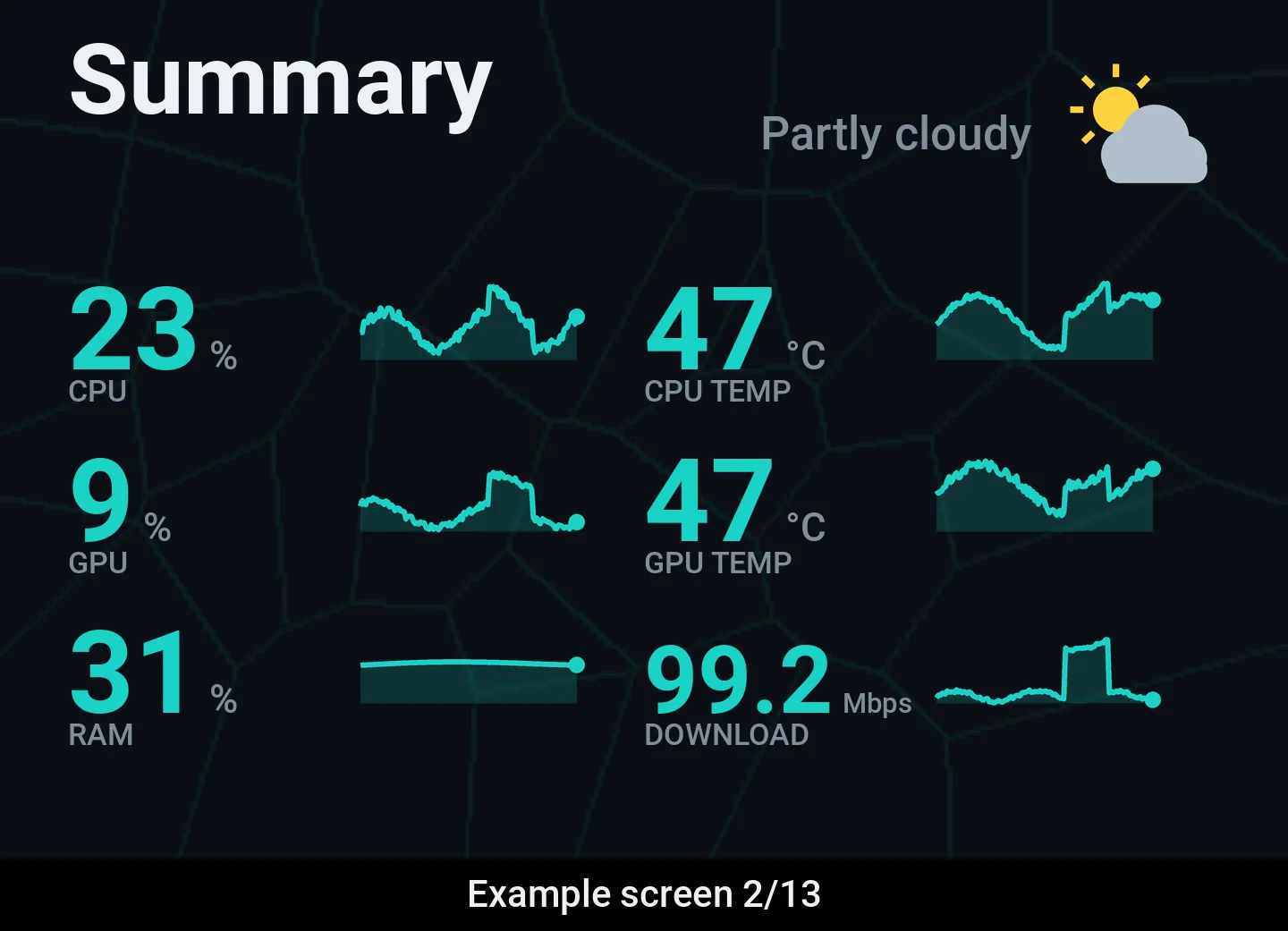
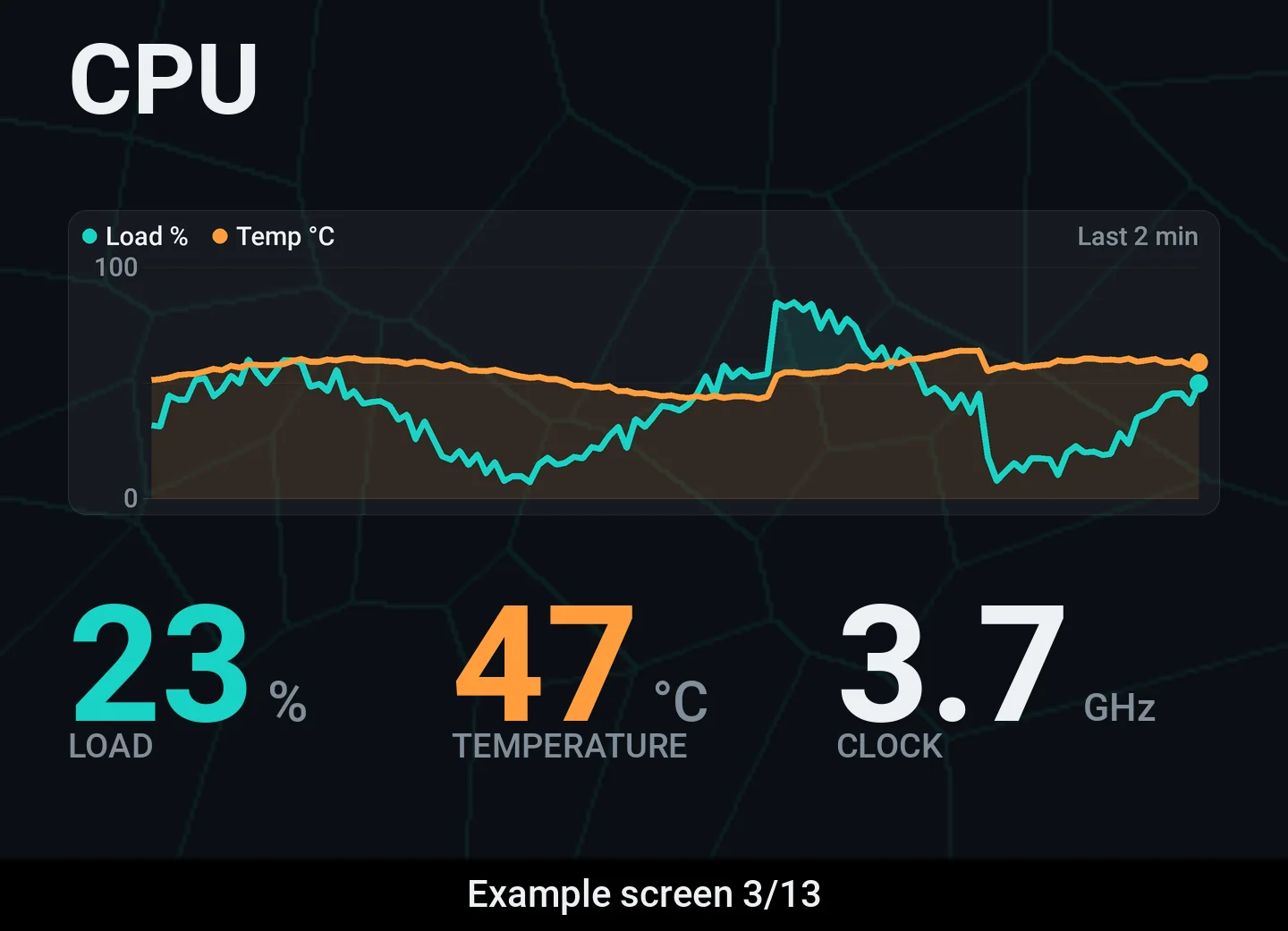
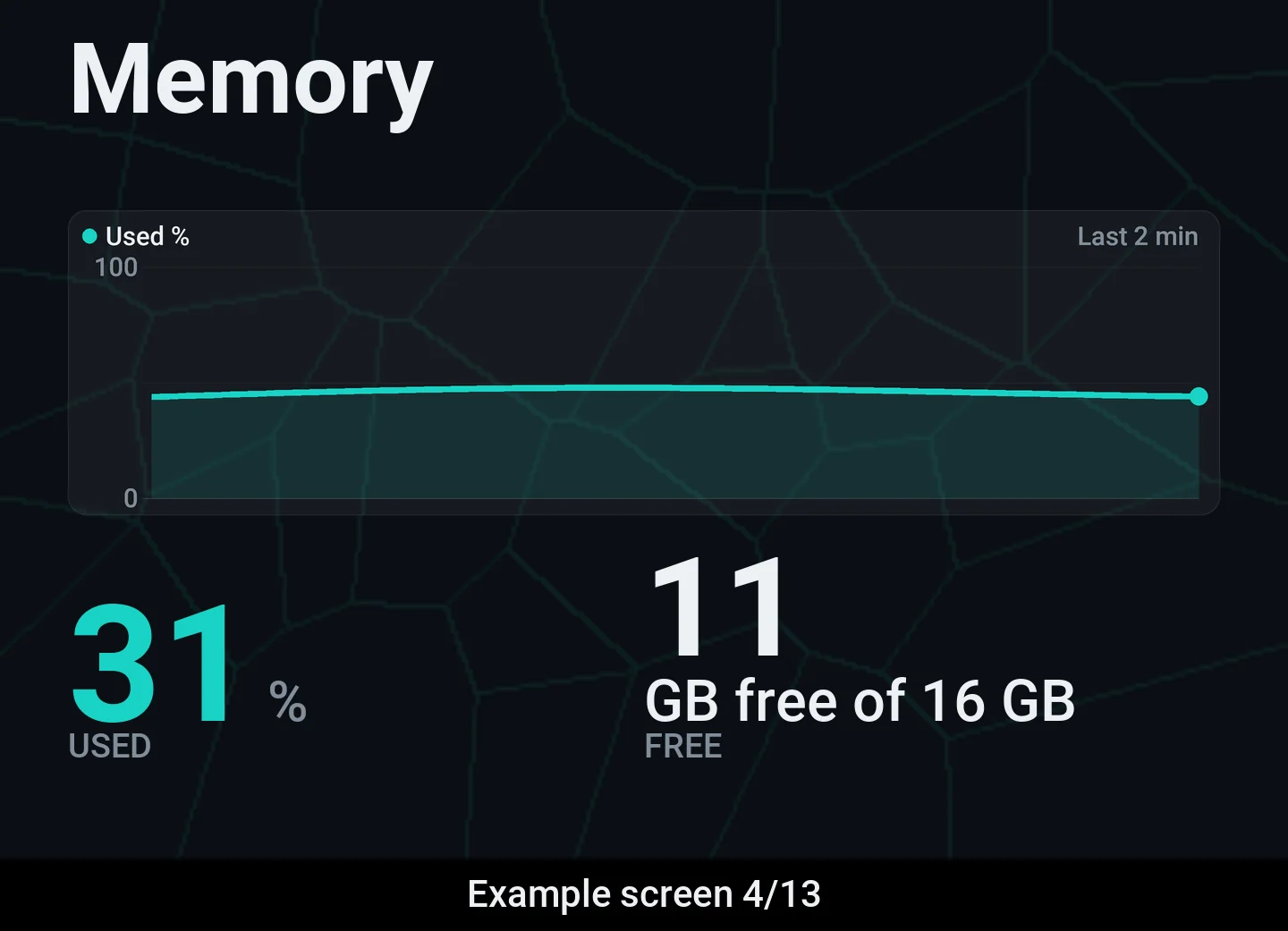
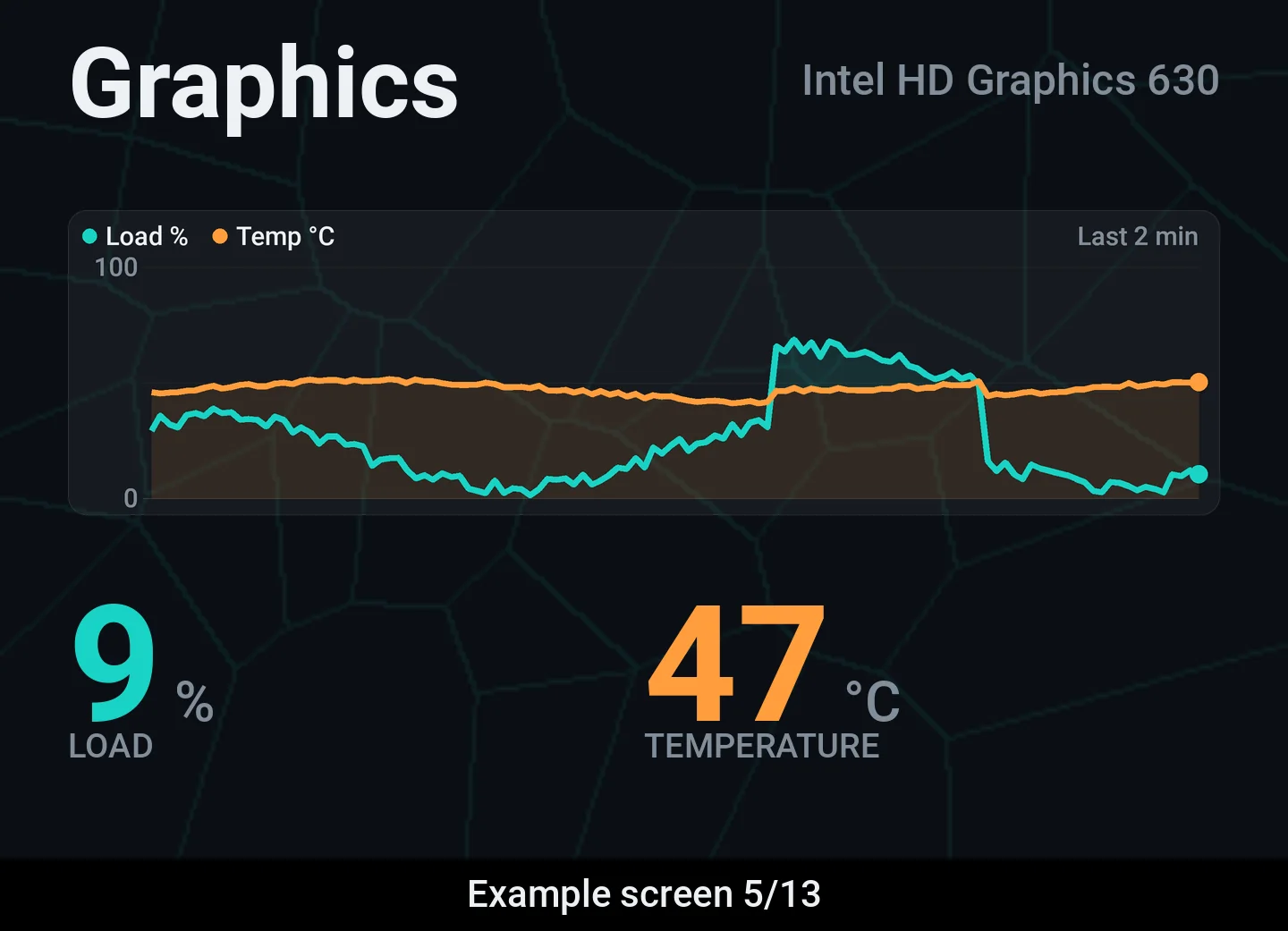
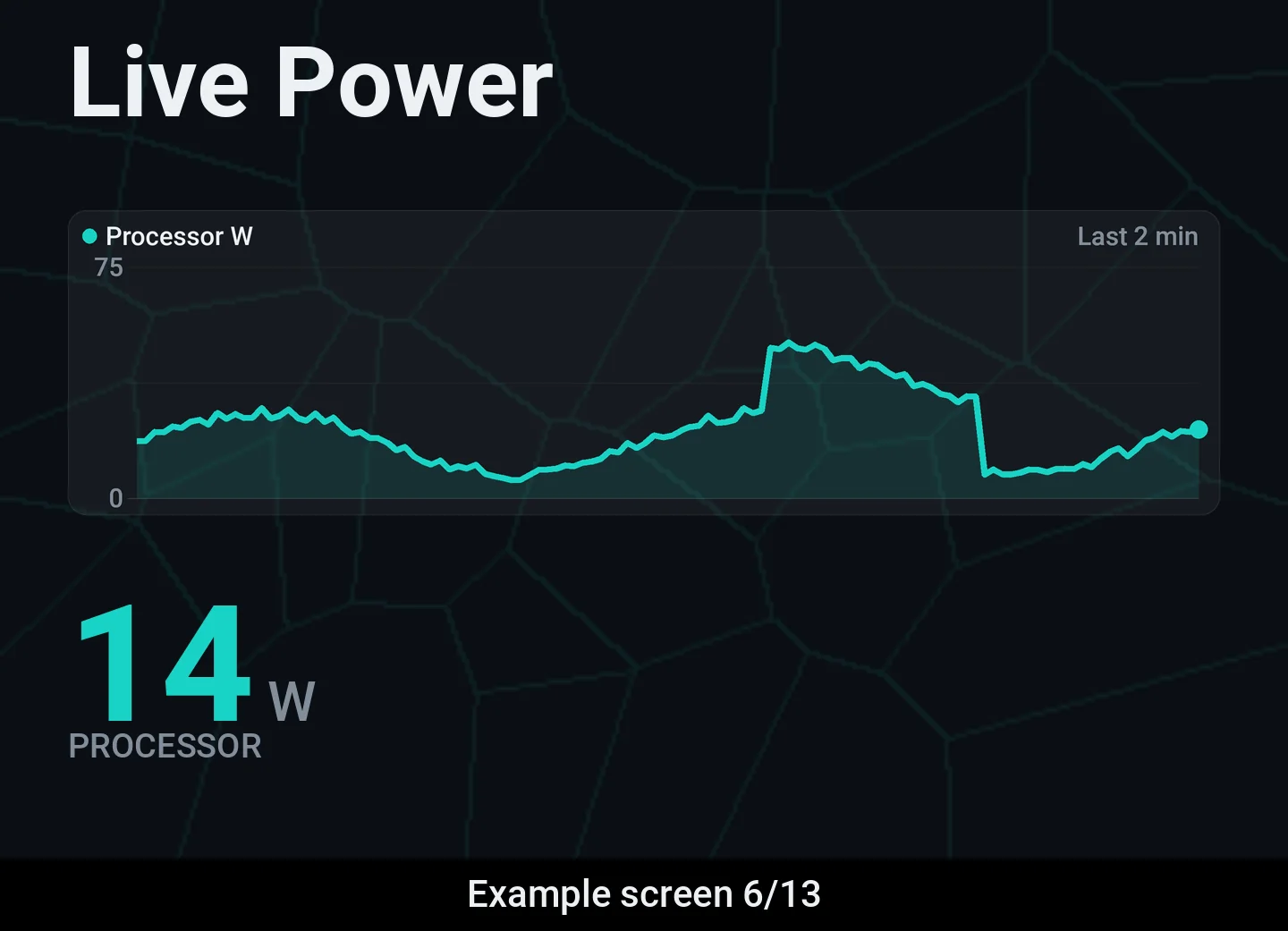
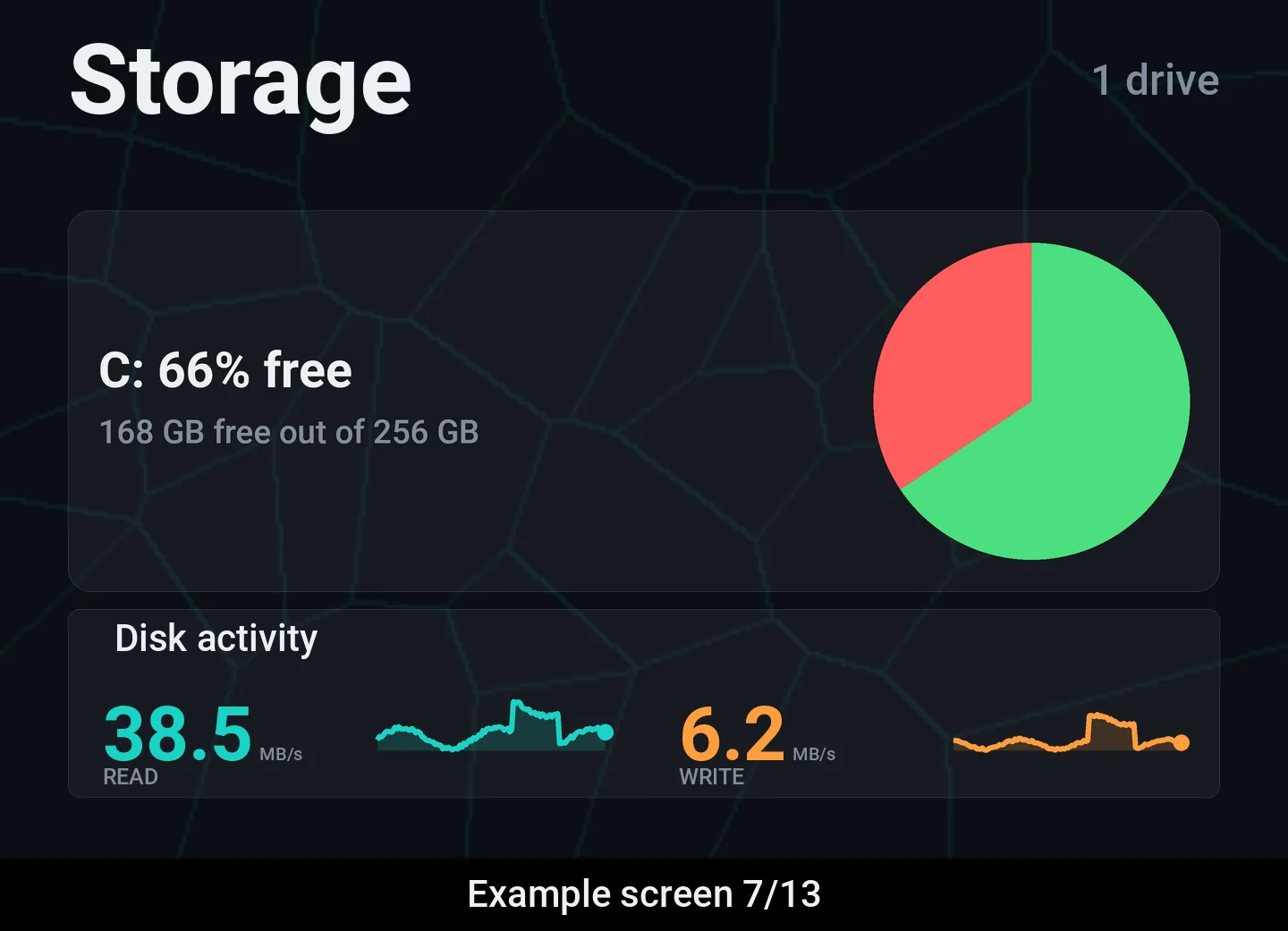
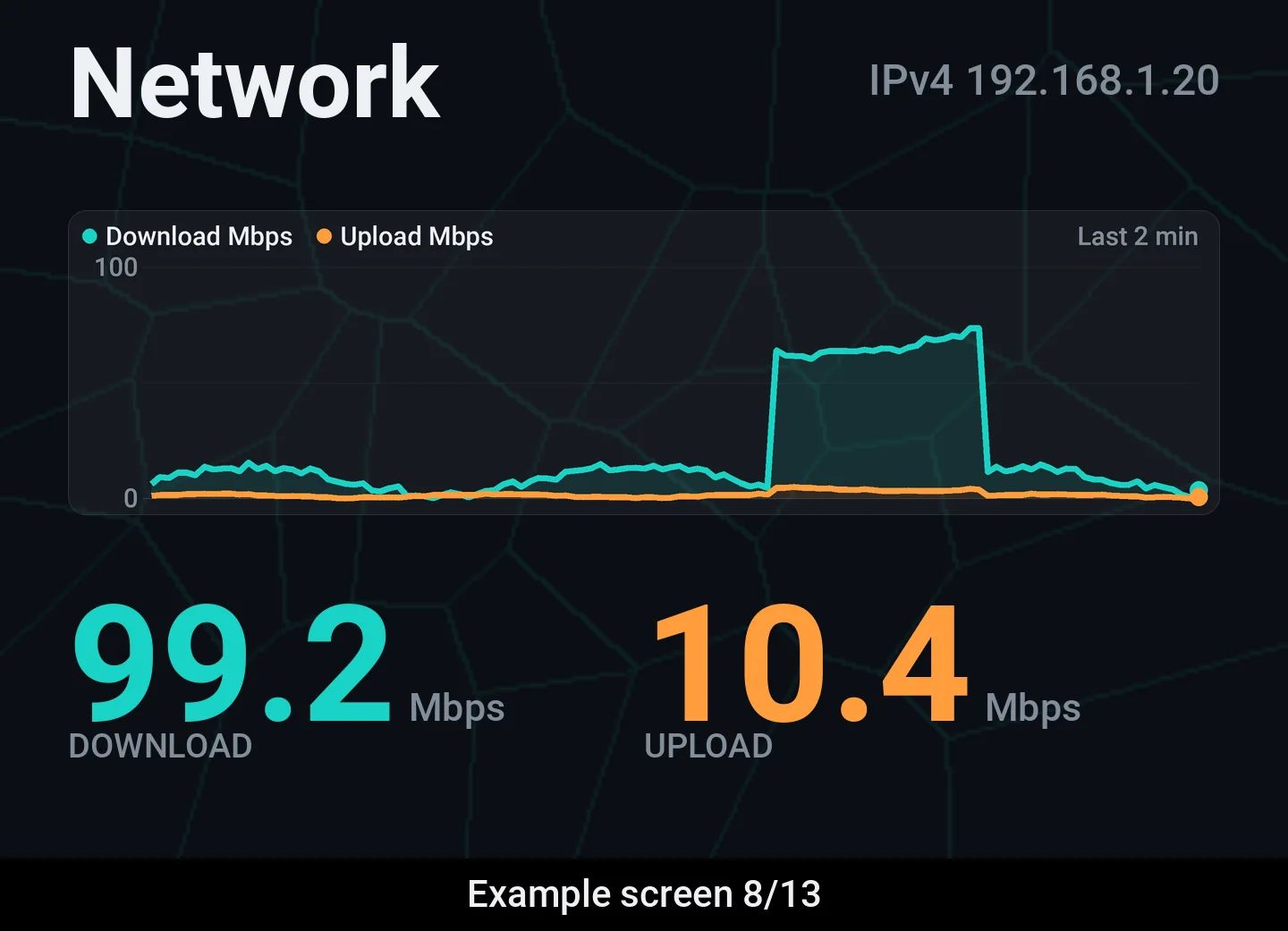
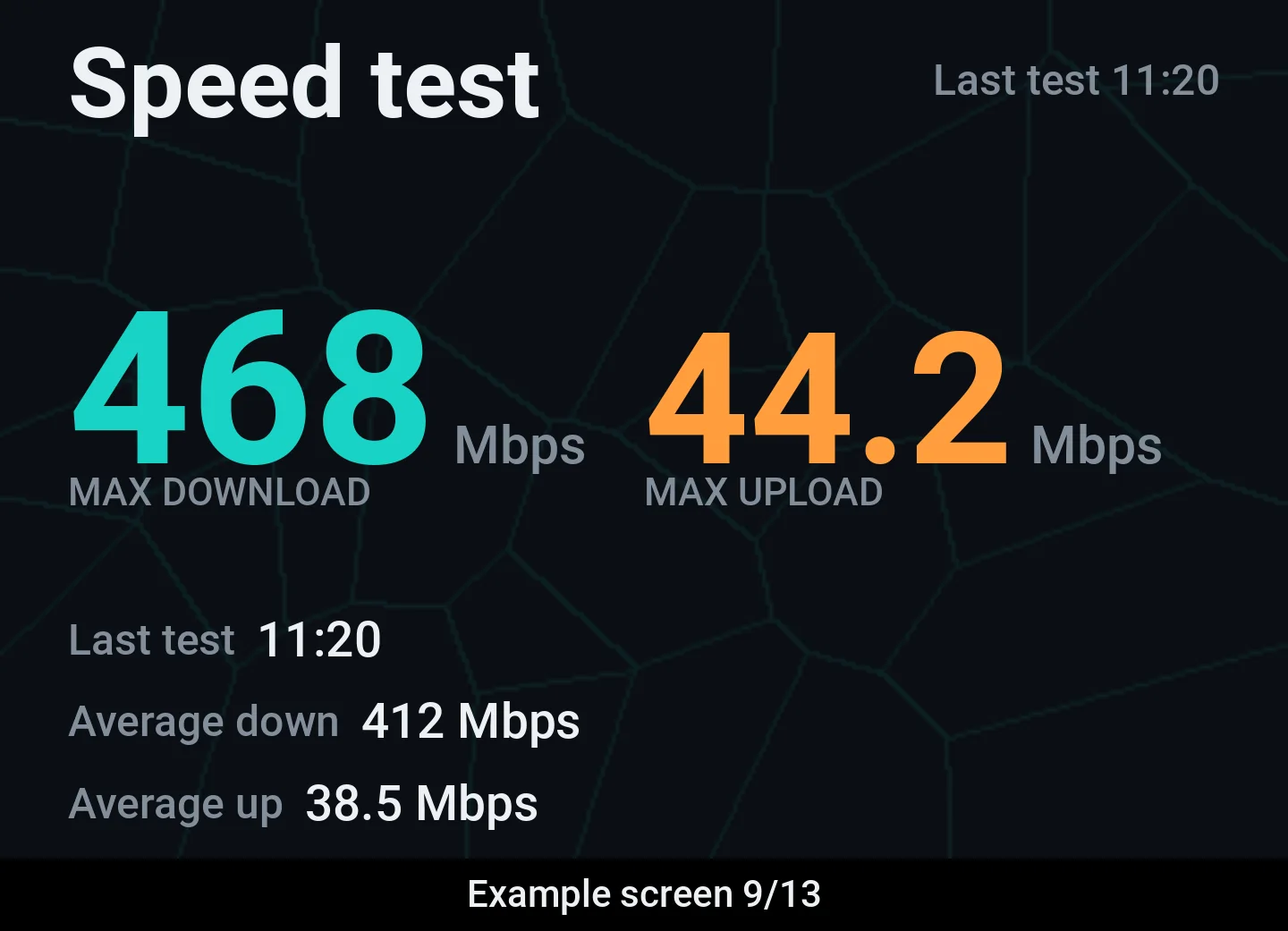
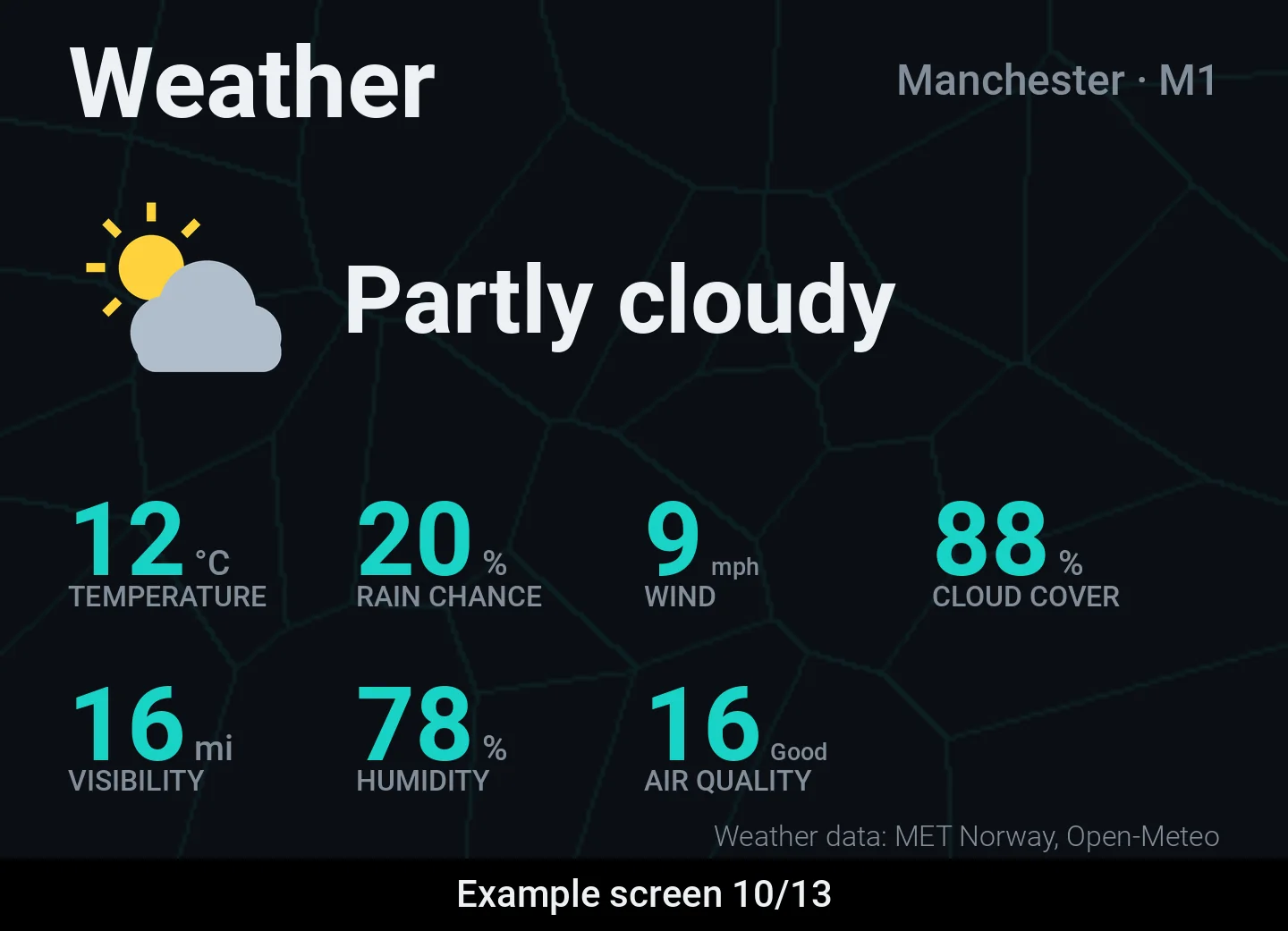

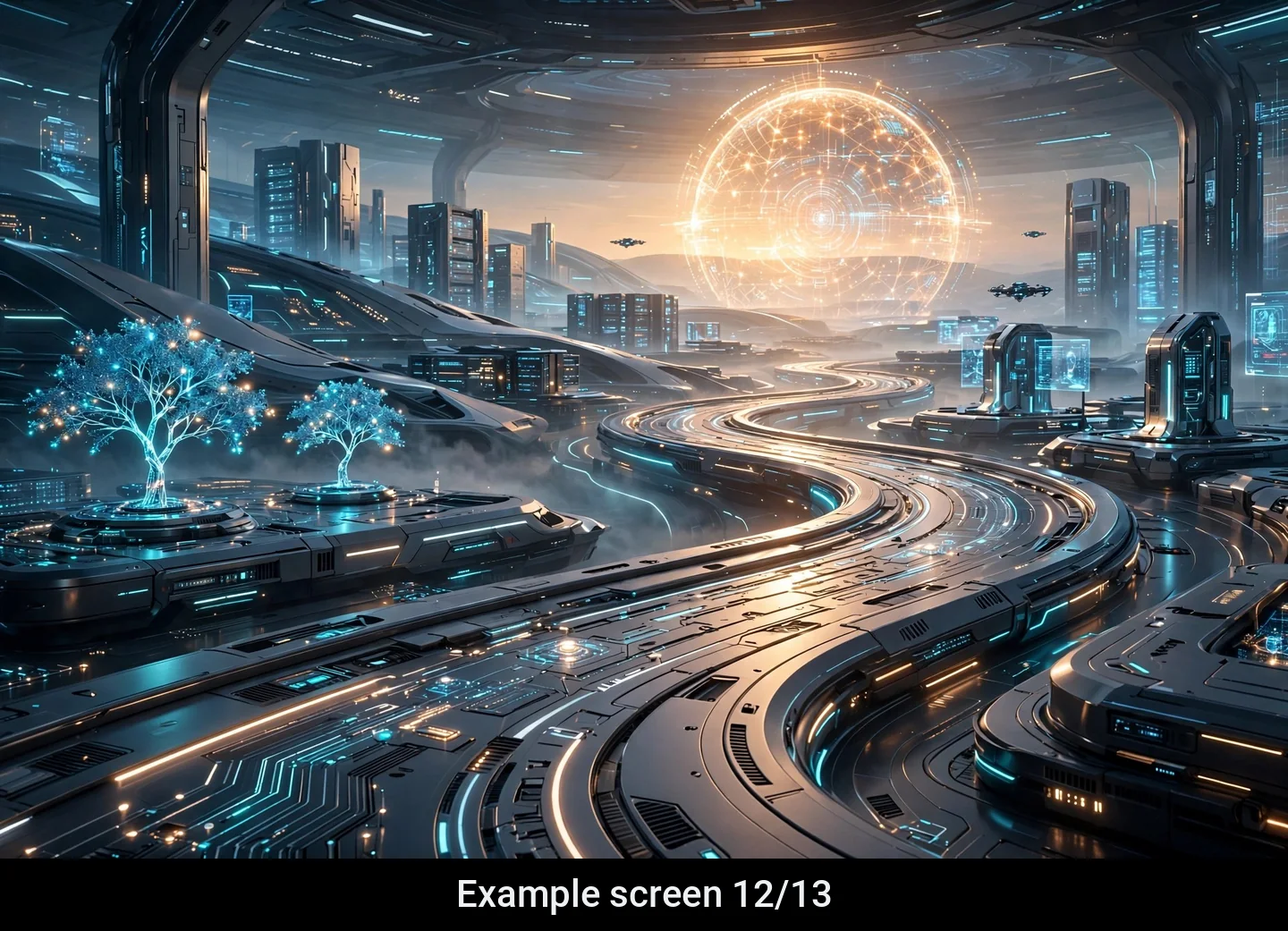
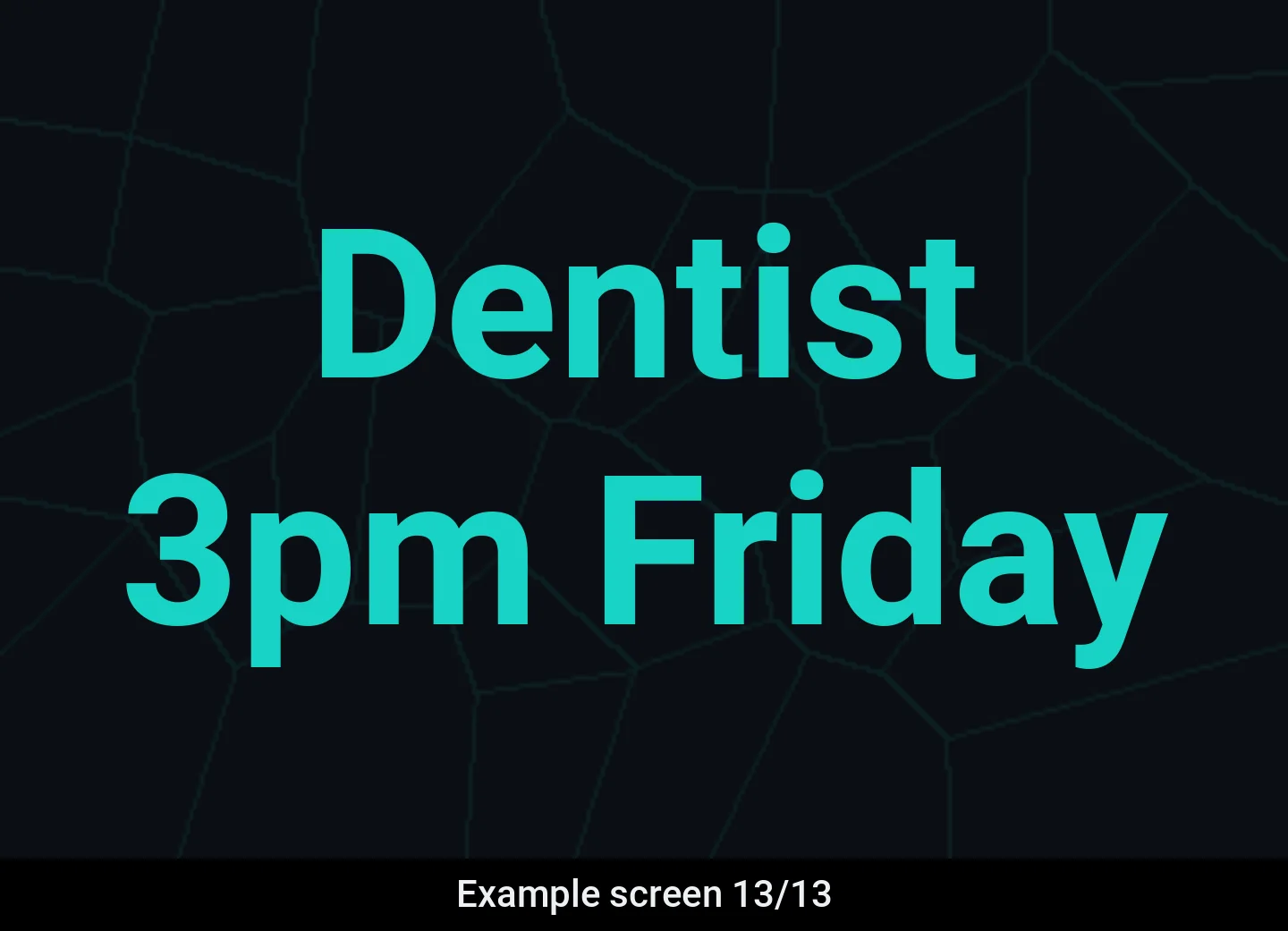
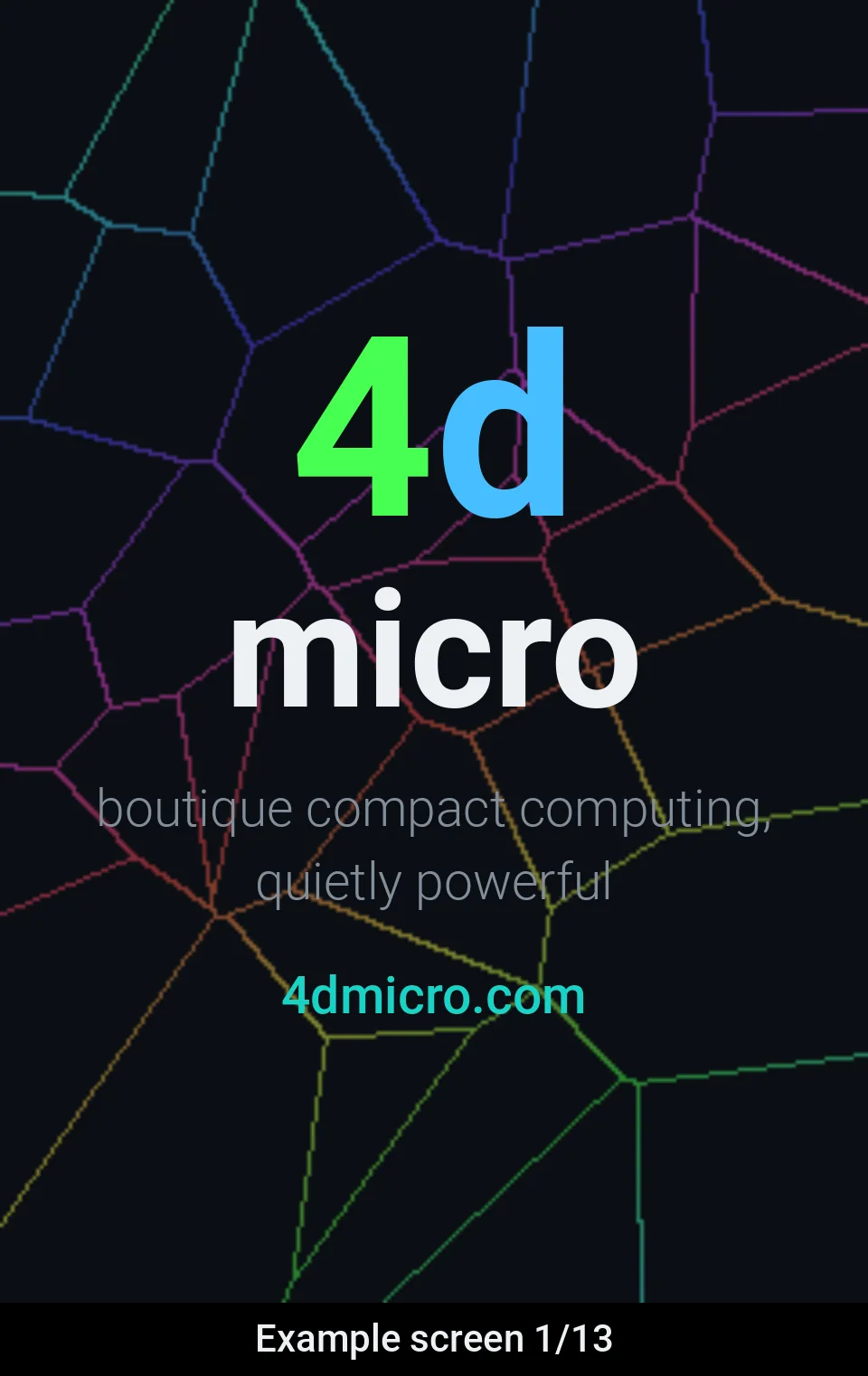
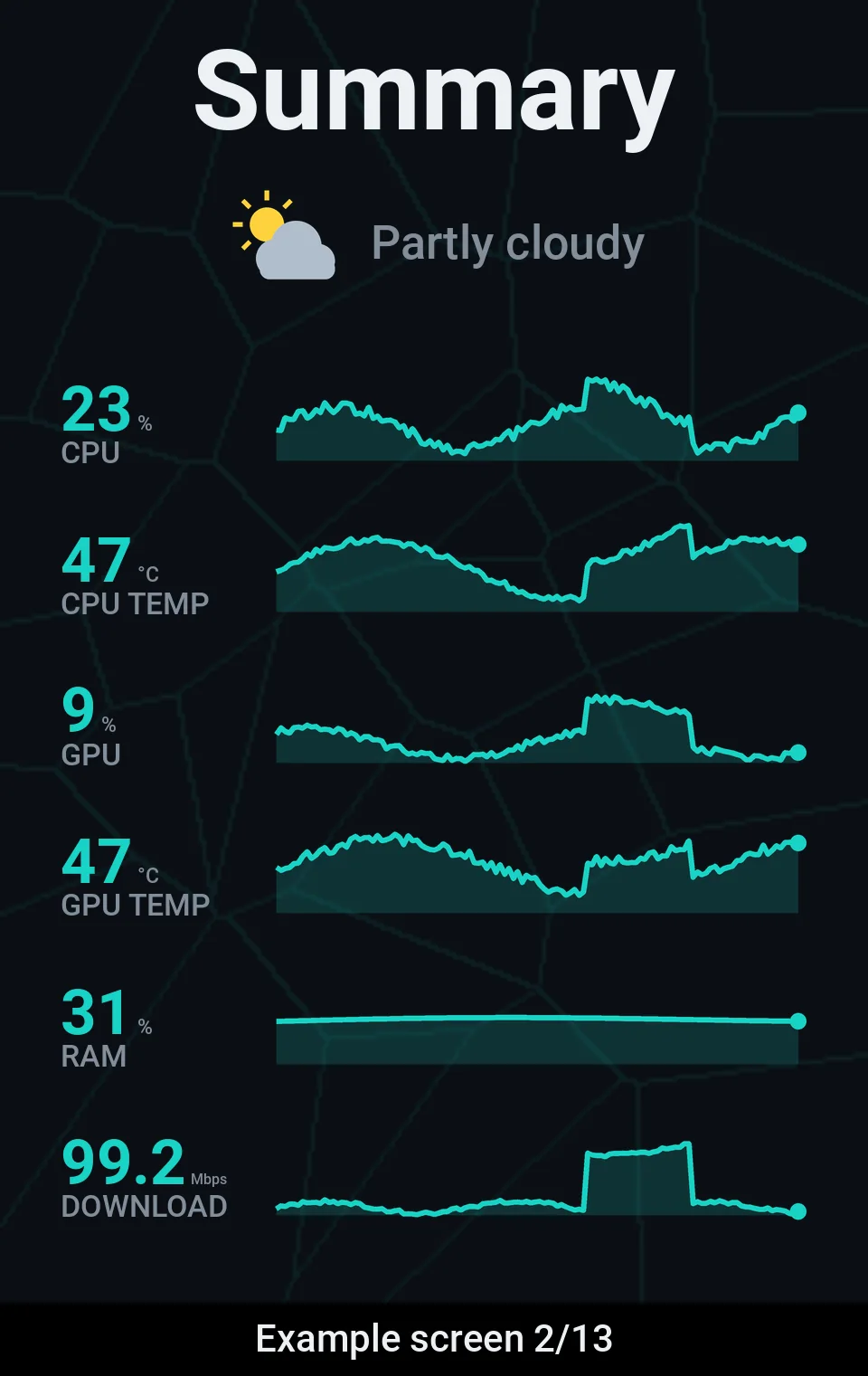
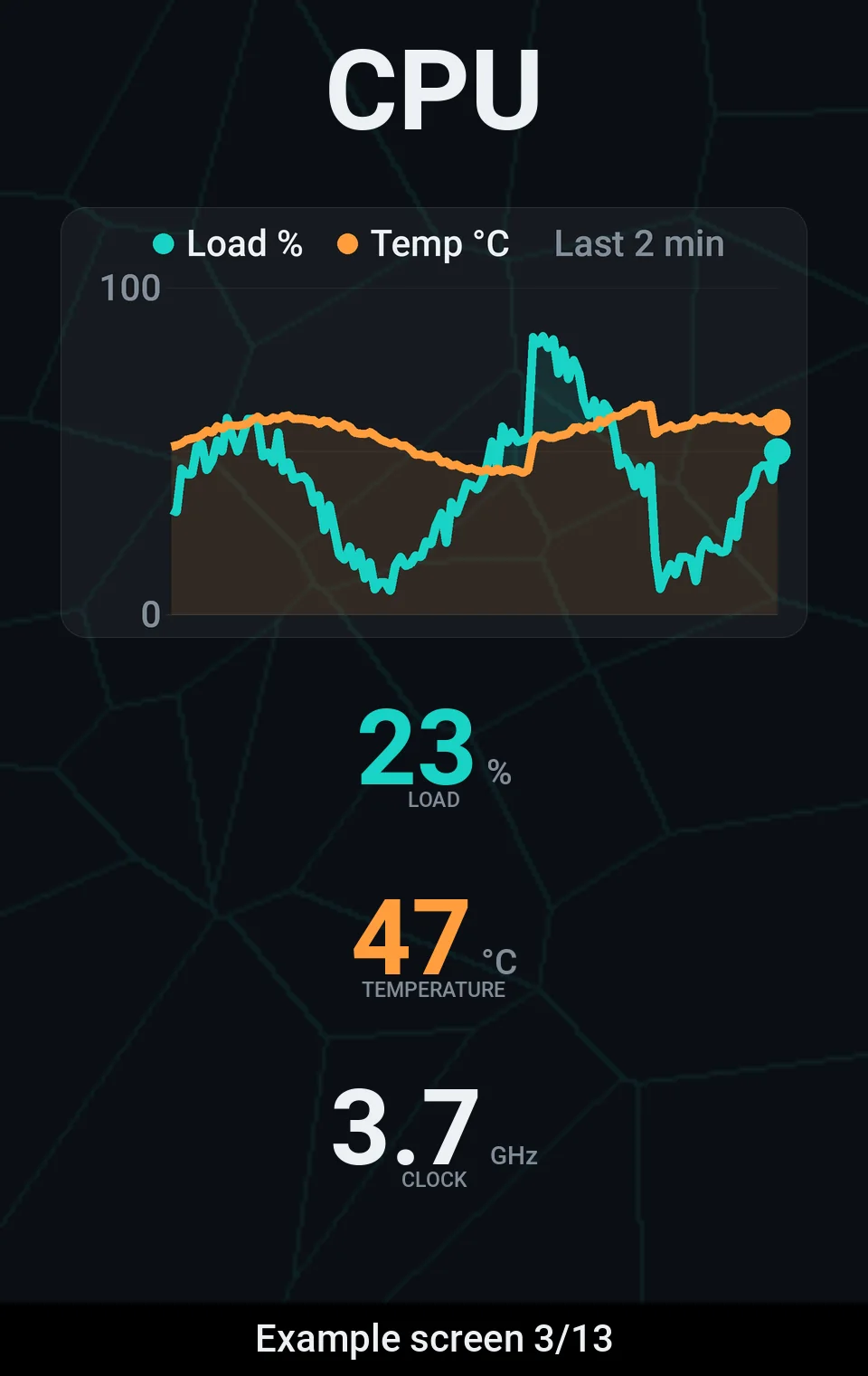
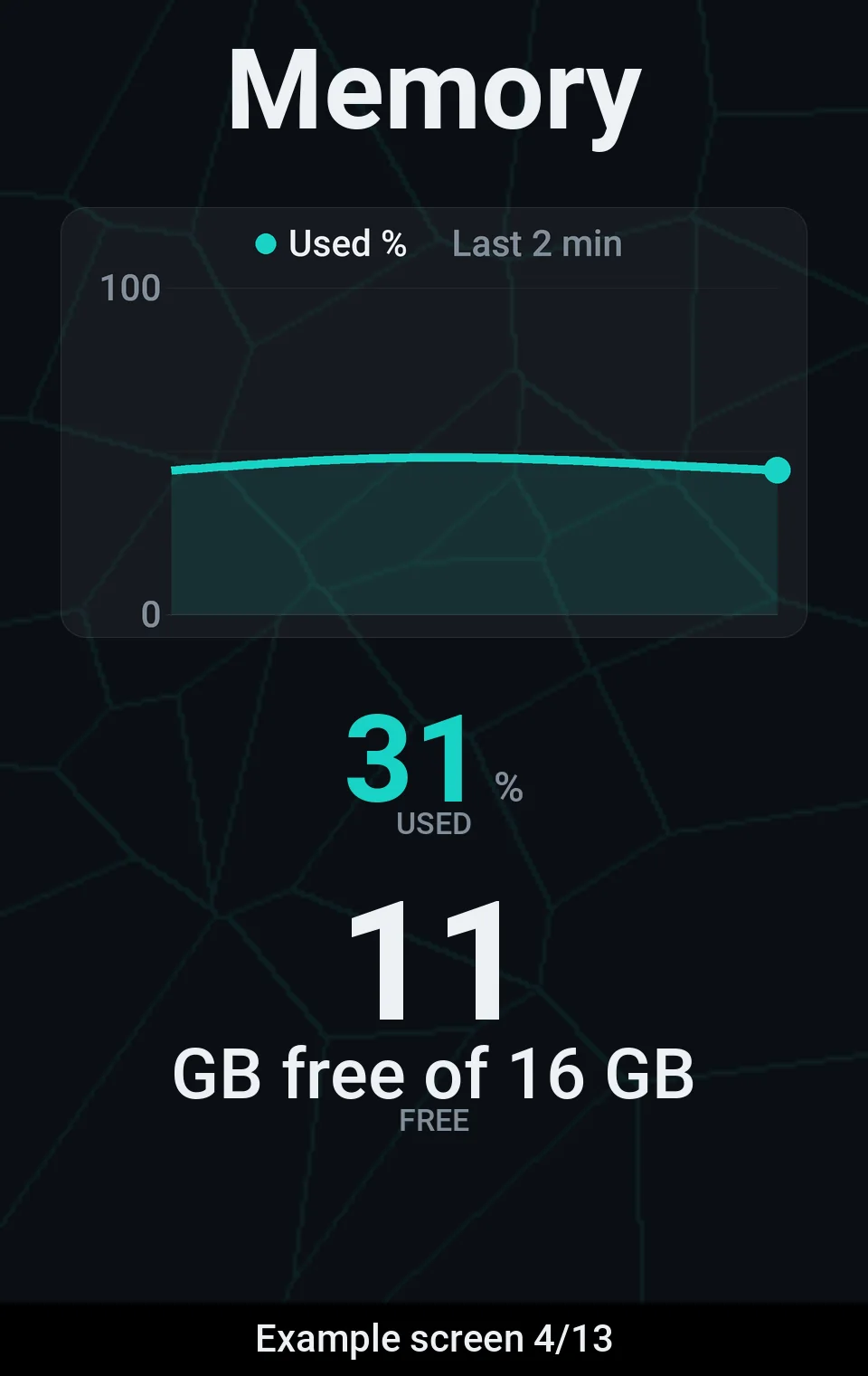
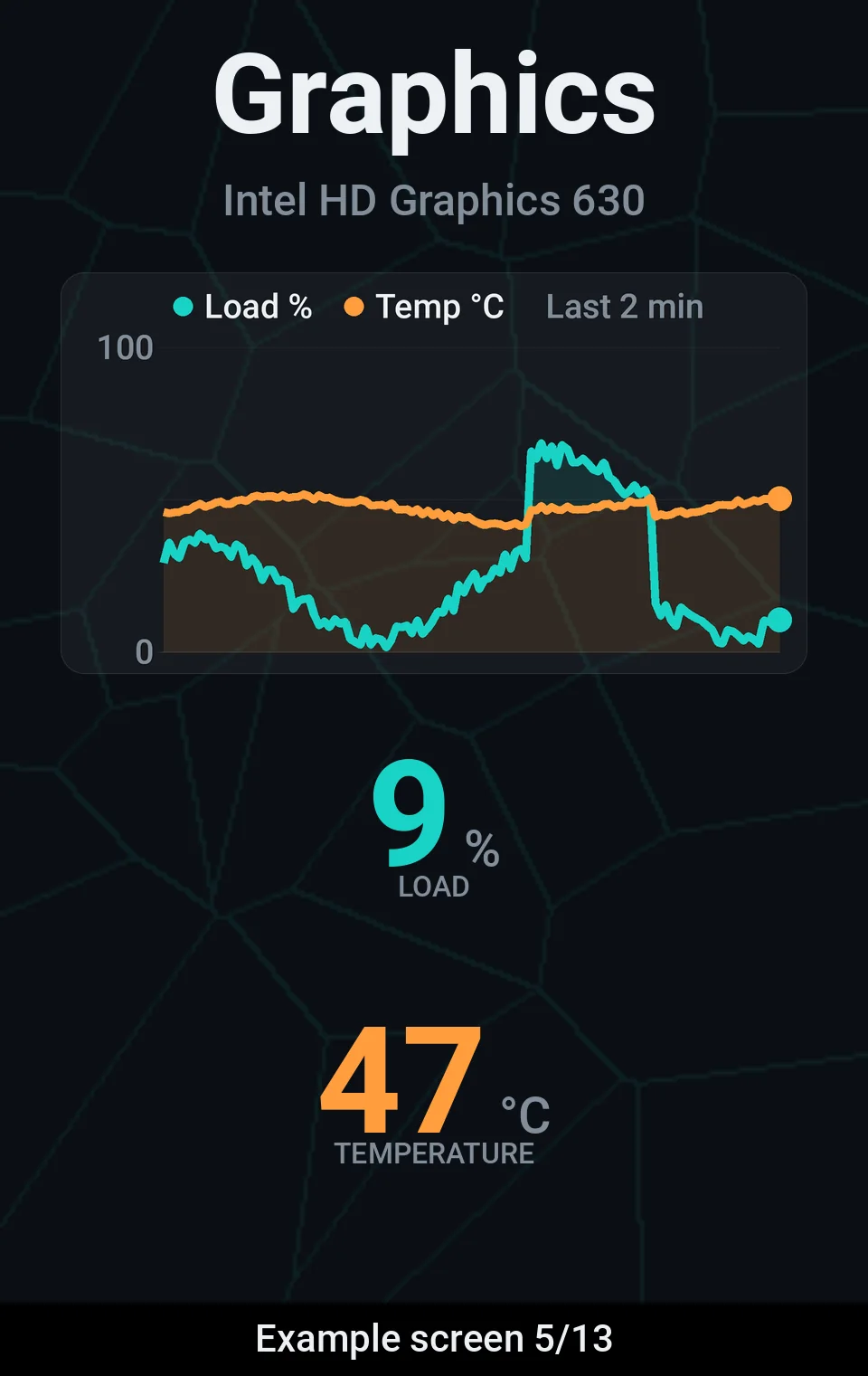
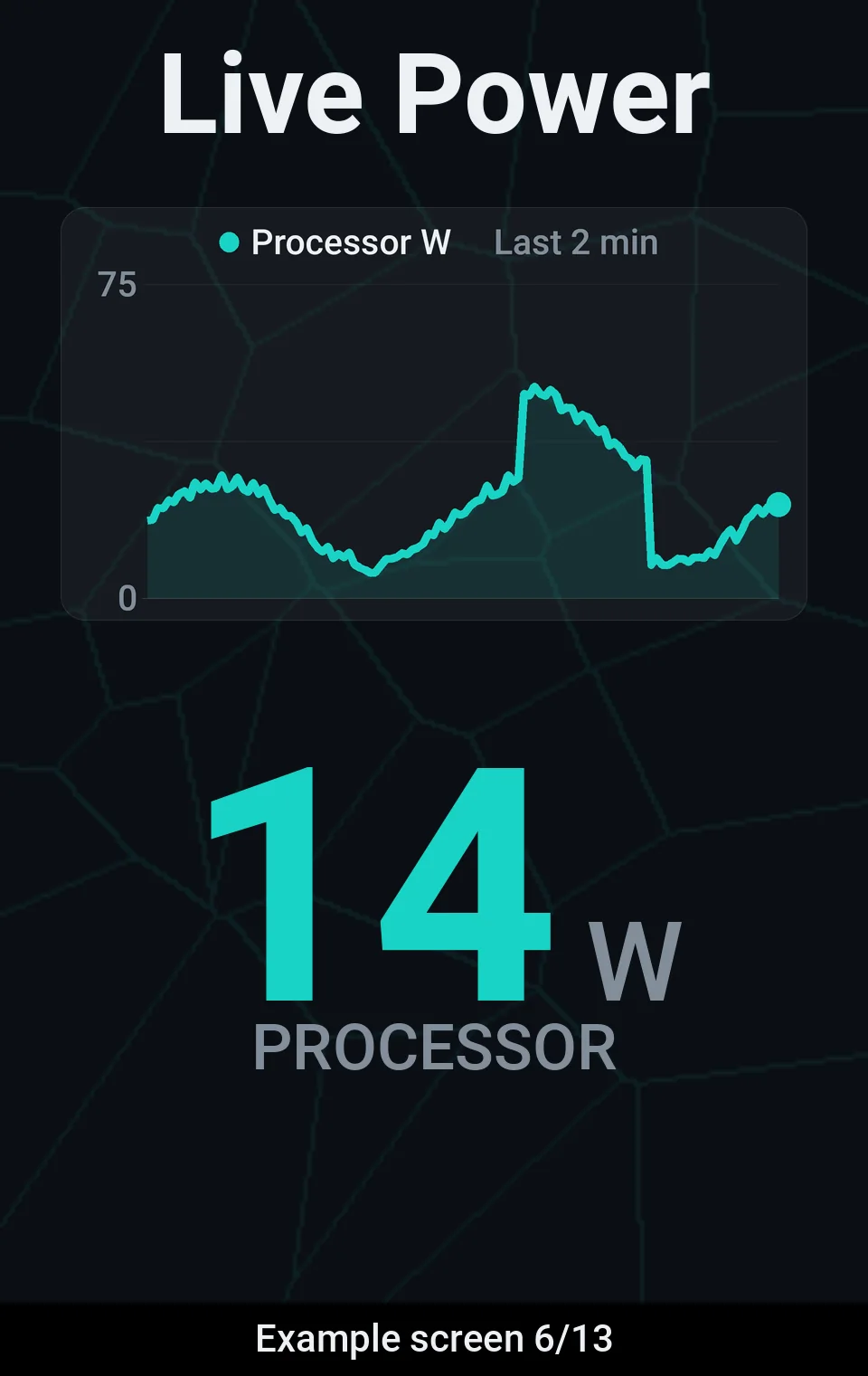
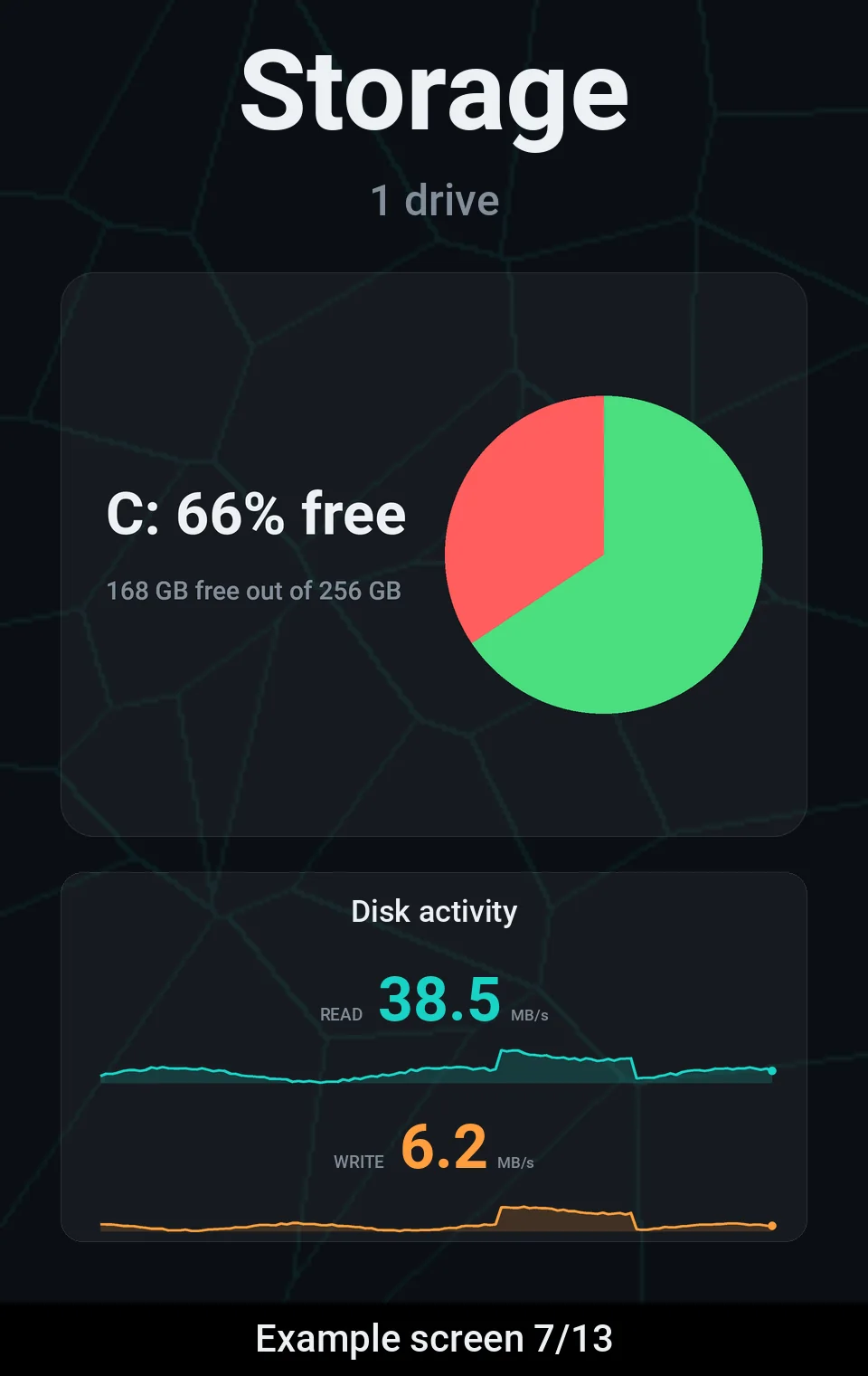
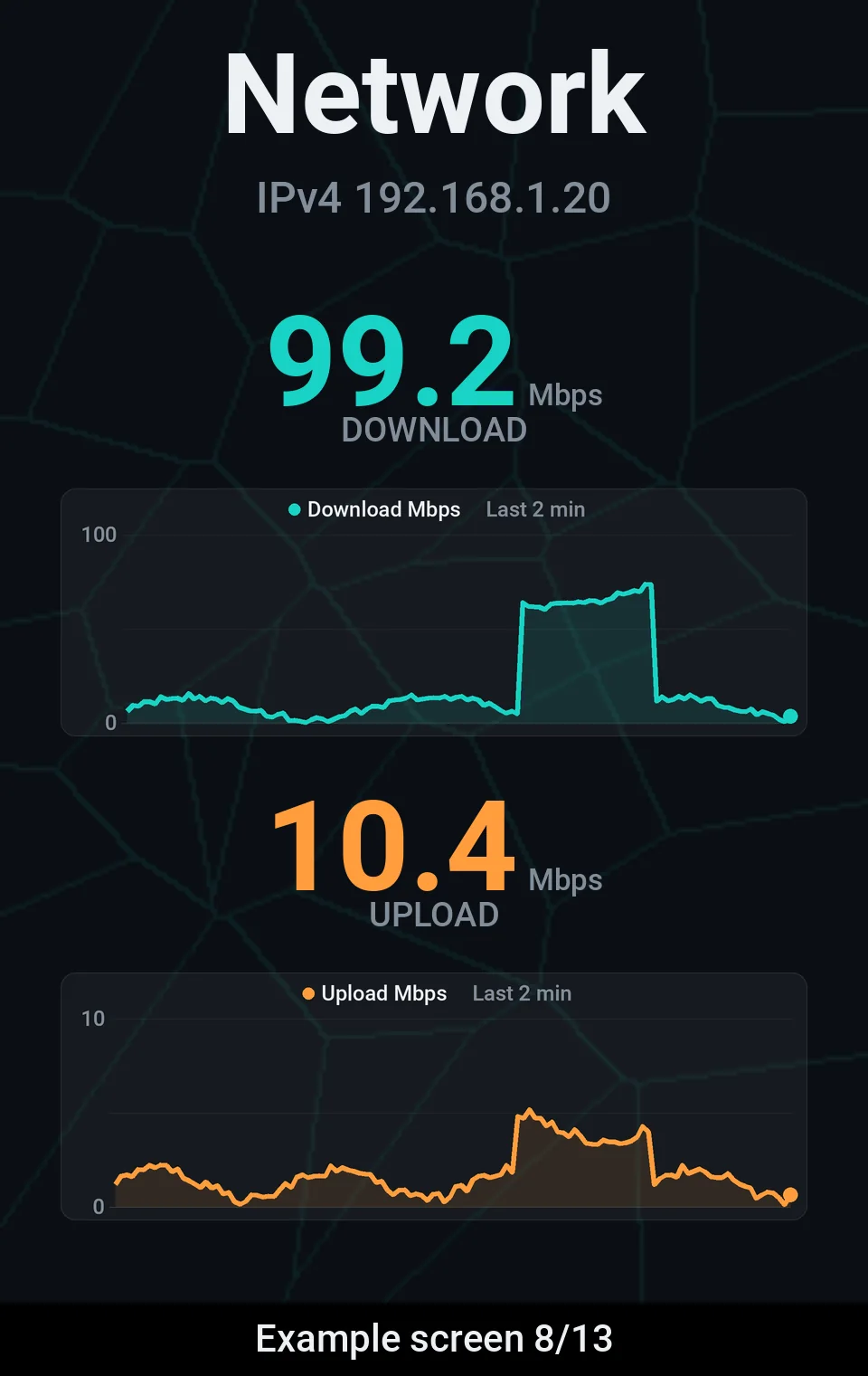
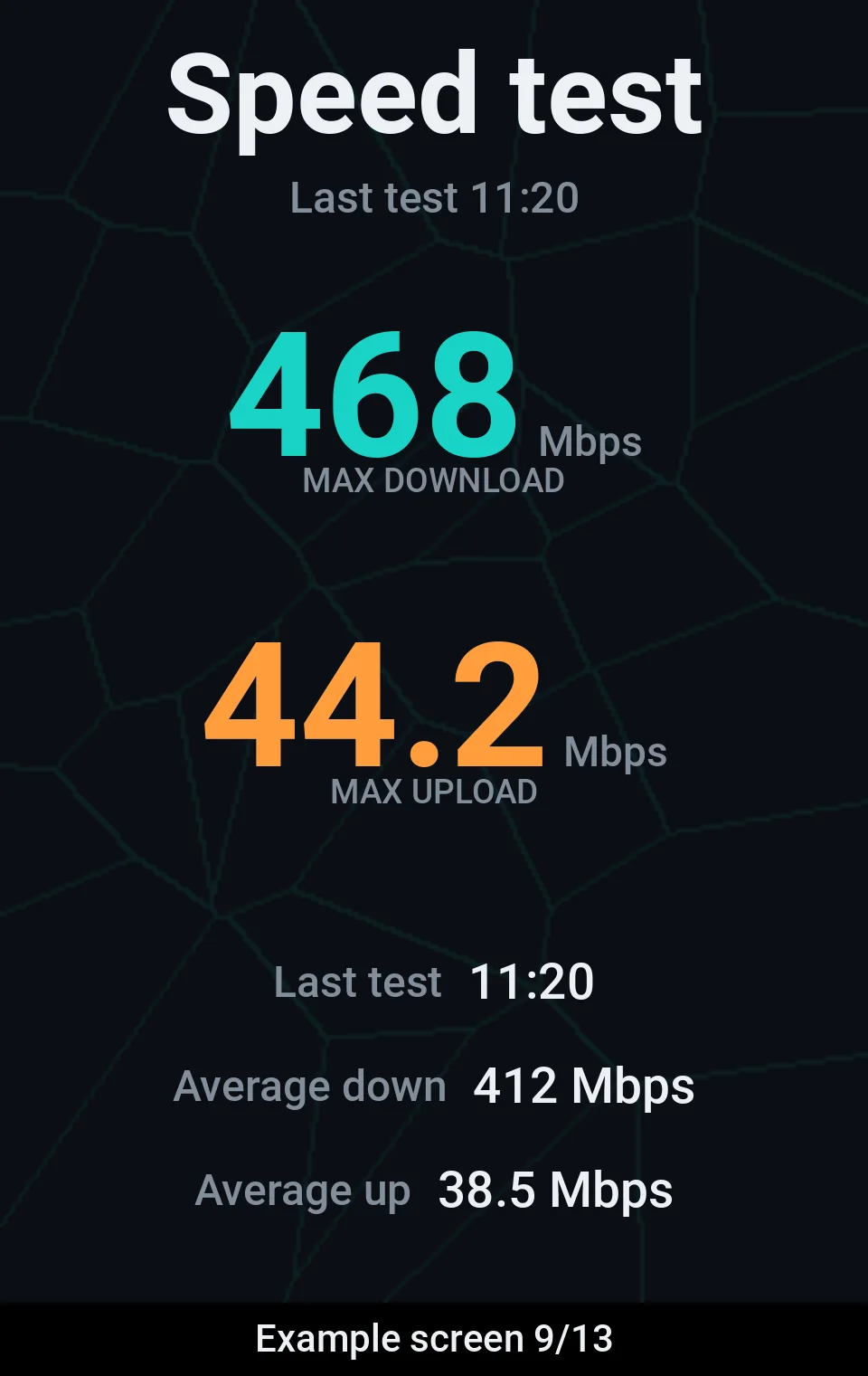
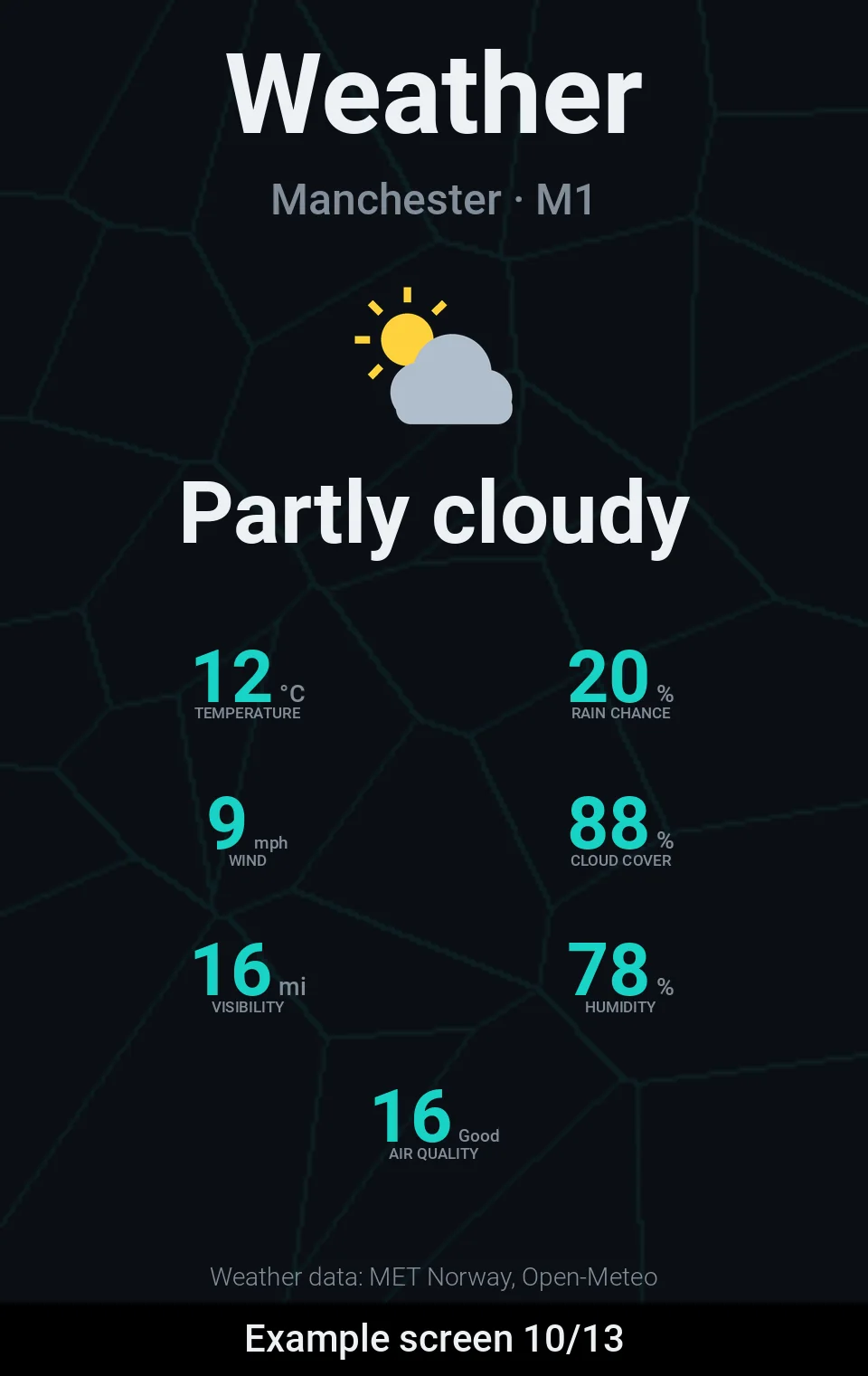


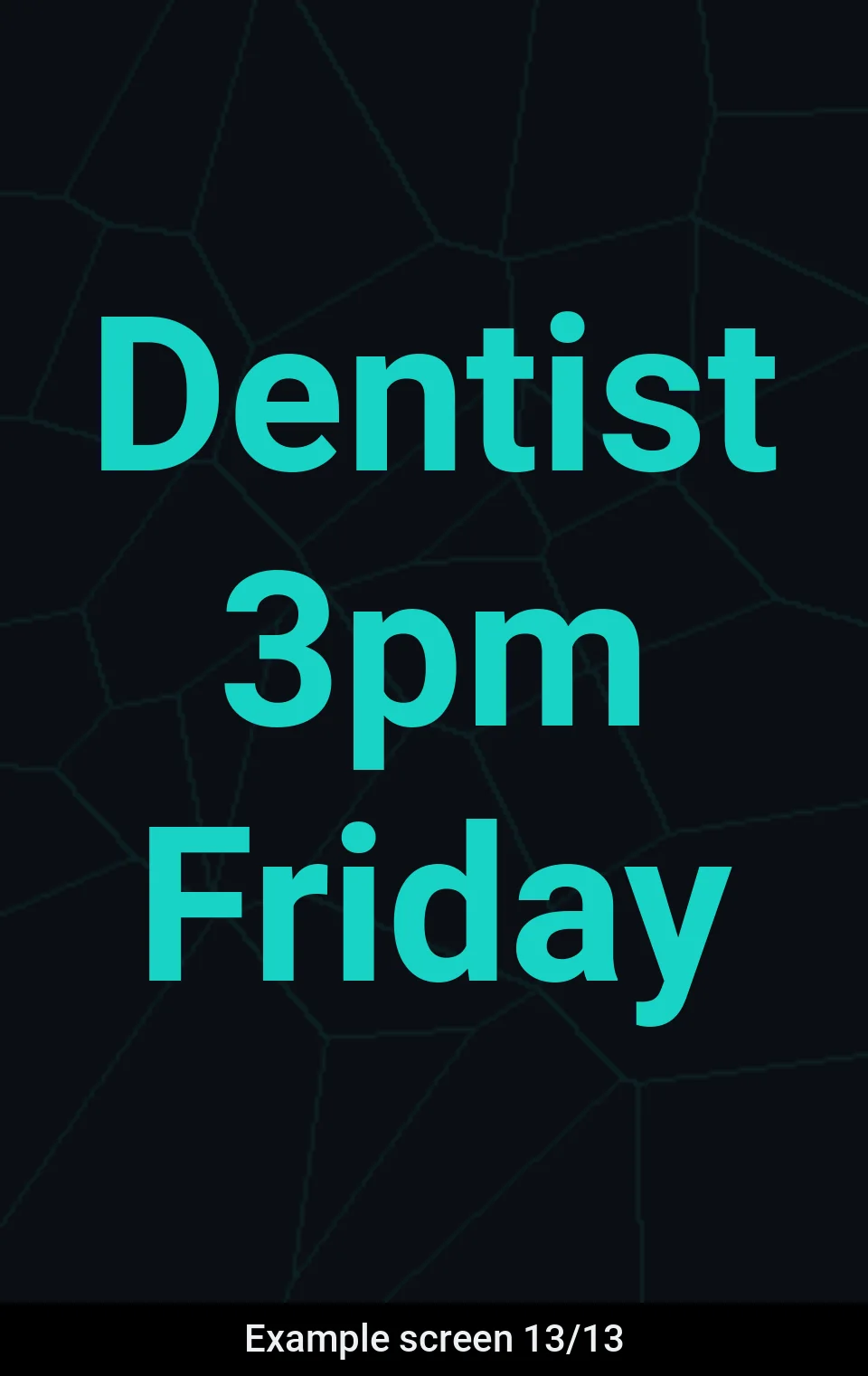
Example images. Colours, pattern and pages are set in the settings page.
Install
Getting started
- Download the zip file. Right-click it in Windows, choose Properties, tick Unblock if the box appears, then extract it into a new folder.
- Plug the screen into a USB port on your PC using a data cable, in the screen's data USB-C port.
- Double-click setup.bat and allow administrator permission. Setup asks three yes or no questions, installs Python 3.12 if it is missing, then starts the app.
- The screen lights up and begins rotating its pages. Open the settings page from the tray icon or the Start menu.
The install guide covers each step with the options explained.
Good to know
Before you start
- A Windows PC, and permission to install software on it.
- An internet connection for setup, and later for the weather, speed test and headlines pages.
- If Windows shows a blue “Windows protected your PC” box, choose More info, then Run anyway.
- The CPU temperature option installs PawnIO, a small signed driver. You can answer No during setup and the rest of the app works.
- The speed test sends traffic to Cloudflare's public speed-test servers. It can be turned off on a metered connection.
Customised screen software
Need something the standard software does not do?
If the standard pages do not cover what you need, we can talk about software made for your screen. Tell us what you have in mind and we will reply by email.
Contact us
Questions or problems?
Send us a message and we will reply by email. If something is not working, tell us your Windows version and what the screen shows.
Customised screen software: if you need pages, readings or a layout the standard software does not offer, tell us what you have in mind.